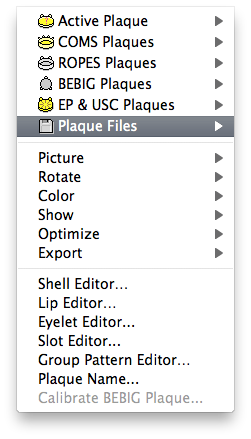
Saving the plaque file
- To save the calibrated plaque click the OK button in the Calibration dialog. You will then be asked to review and accept the calibration parameters. Click the Yes button to proceed.

- An alert will remind you to save the plaque file. Click the Yes button to proceed.