Rx Window as it appears at startup with an empty COMS plaque
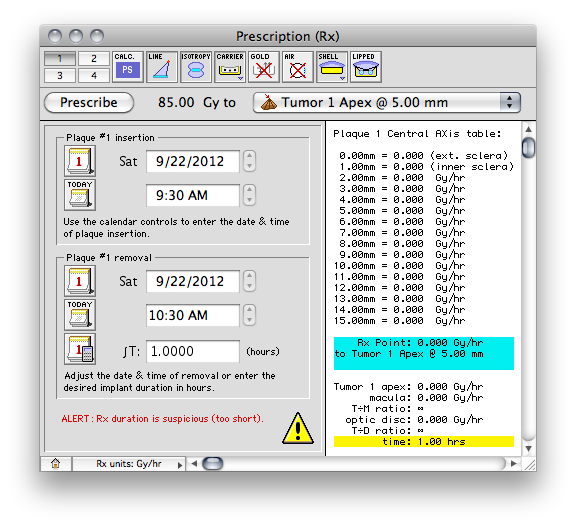
The Prescription window unifies all prescription related functions. Controls are provided to set dose calculation options, the prescription point, date and time of plaque insertion and removal, and a customizable table of central axis (CAX) or tumor axis (TAX) points which are automatically updated.
The buttons along the top of the window provide a quick method of setting most dose calculation options. The plaque insertion and removal calendar controls are used to set the implant duration. The Implant Calculator button in the removal group simplifies calculation of required seed strength or implant duration.
The Rx Menu up on the MacOS menu bar provides additional control over Rx related functions and parameters.
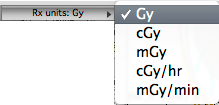
The Rx units button (with popup-menu) along the lower border controls the display units for the prescription.