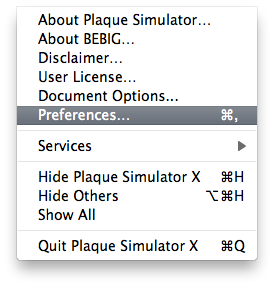
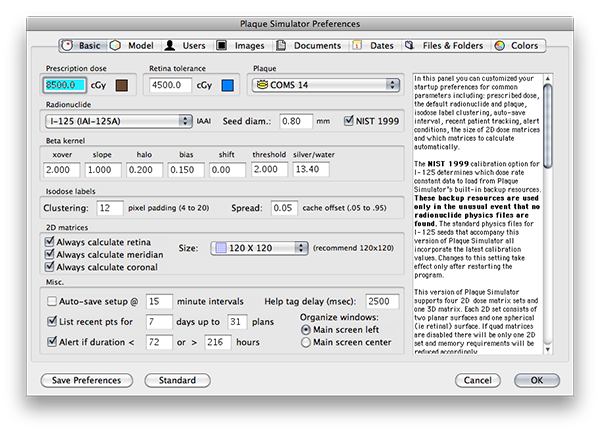
The Preferences settings for Plaque Simulator are found under the Plaque Simulator X menu in OSX. They are divided into 8 tab selectable groups;
From the Plaque Simulator X menu select Preferences....
|
|
The Preferences settings for Plaque Simulator are found under the Plaque Simulator X menu in OSX. They are divided into 8 tab selectable groups; From the Plaque Simulator X menu select Preferences.... |
|
IMPORTANT: Preference settings are saved in a file (e.g. PSPrefs574) in the MacOSX Users:UserName:Library:Preferences folder. To make any changes to preference settings permanent you must update the preferences file by clicking the Save Preferences button located at the lower left of the preferences dialog before exiting. Clicking the OK button does NOT save changes to the file, it simply exits the dialog and any changes will only survive for the duration of the current planning session. The Cancel button exits the dialog and restores the preference settings to whatever they were prior to your opening the preferences dialog. |
|