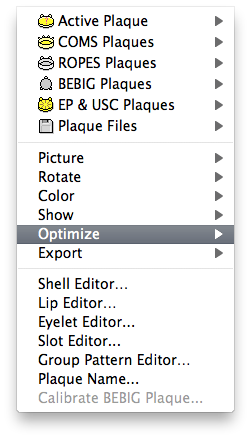
The hierarchical Optimize menu is accessed from the Plaque menu of the Plaque window. It has two items:

- Optimize Carrier... - opens a window from which you select an optimization reference point, a plaque to optimize, and rotate the silicone carrier to find the orientation which minimizes dose to the optimization point.
- Lock Carrier - locks the carrier so that it can not be accidentally rotated. The carrier can also be locked or unlocked in the Plaque Location... dialog.