|
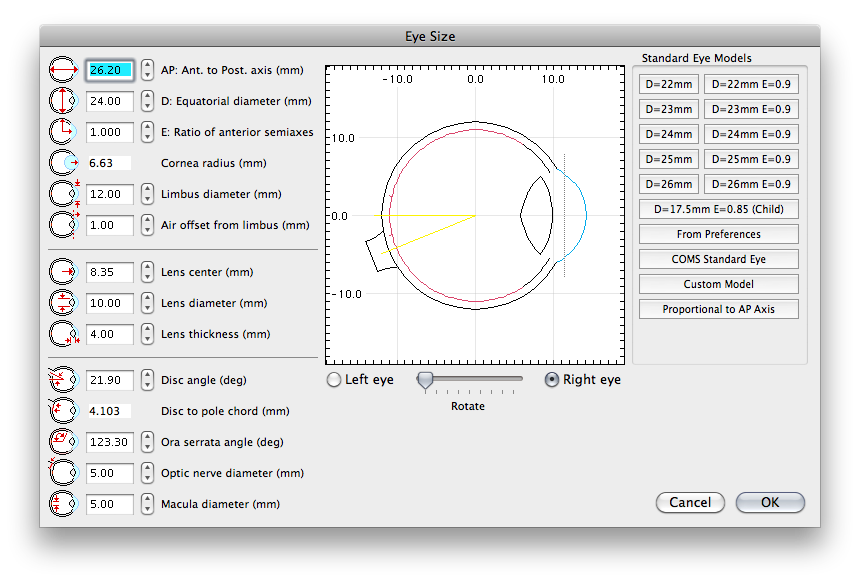
In this dialog one can manually adjust the 3D model to precise ocular dimensions. To create a COMS standard eye, set the AP axis and then click the COMS Standard Eye button. The bumper arrows adjust individual parameters of the model in more specific ways. Experiment with the controls to learn about how they work. The buttons along the right side create standard models for various diameters and shapes of eyes. These models were used to design the Eye Physics 3rd generation slotted plaque prototypes. For patient specific planning, it is recommended that CT or MR images be loaded into the Image window. After calibrating these images, use the eye sizing tool to adjust the eye model interactively to match the actual patient eye. Sample CT images are provided with the program. |